
Bybit Kazakhstan's P2P trading currently supports only one payment method: Bank Transfers.
Via Website
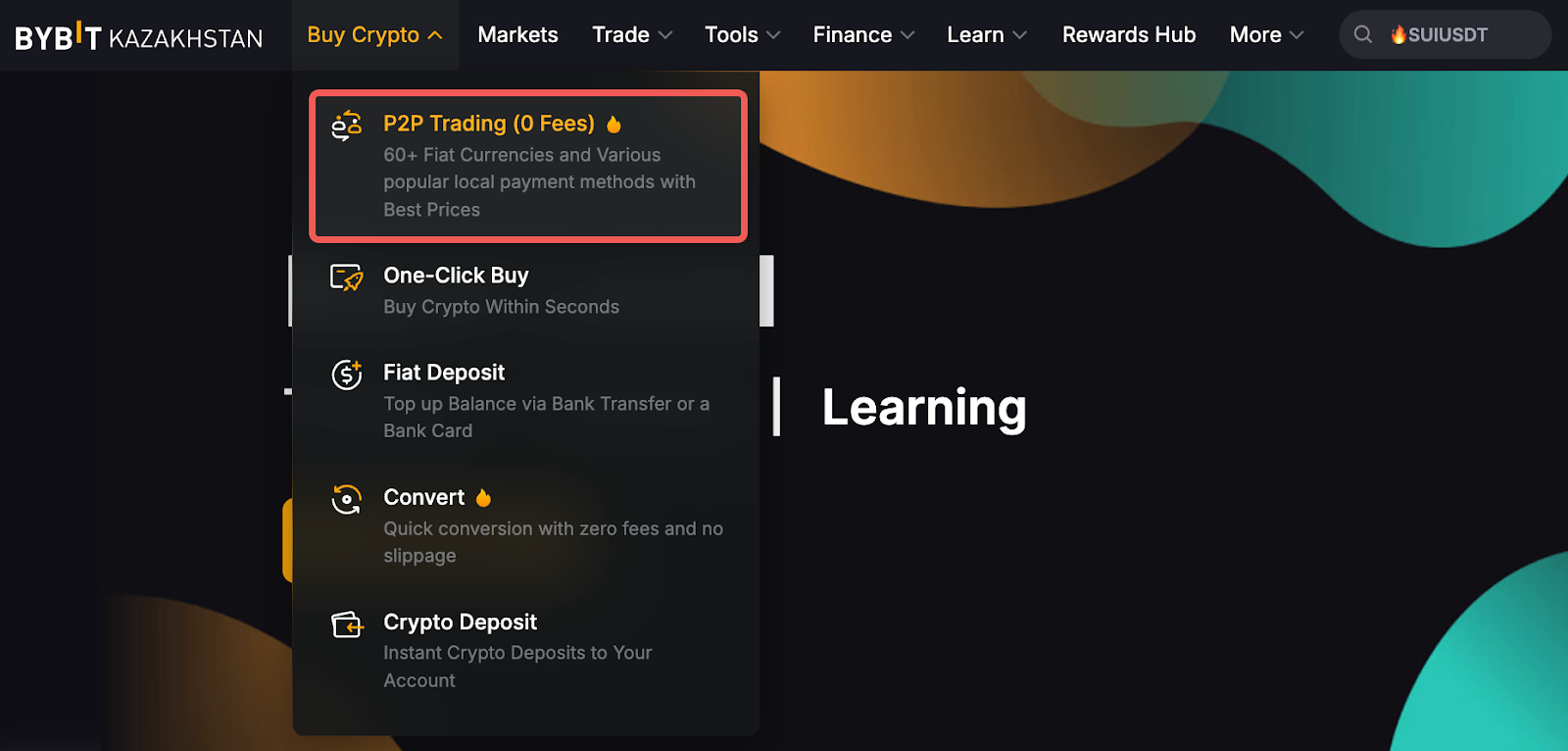
Step 1: Please click on Buy Crypto → P2P Trading on the left side of the navigation bar to enter the P2P Trading page.
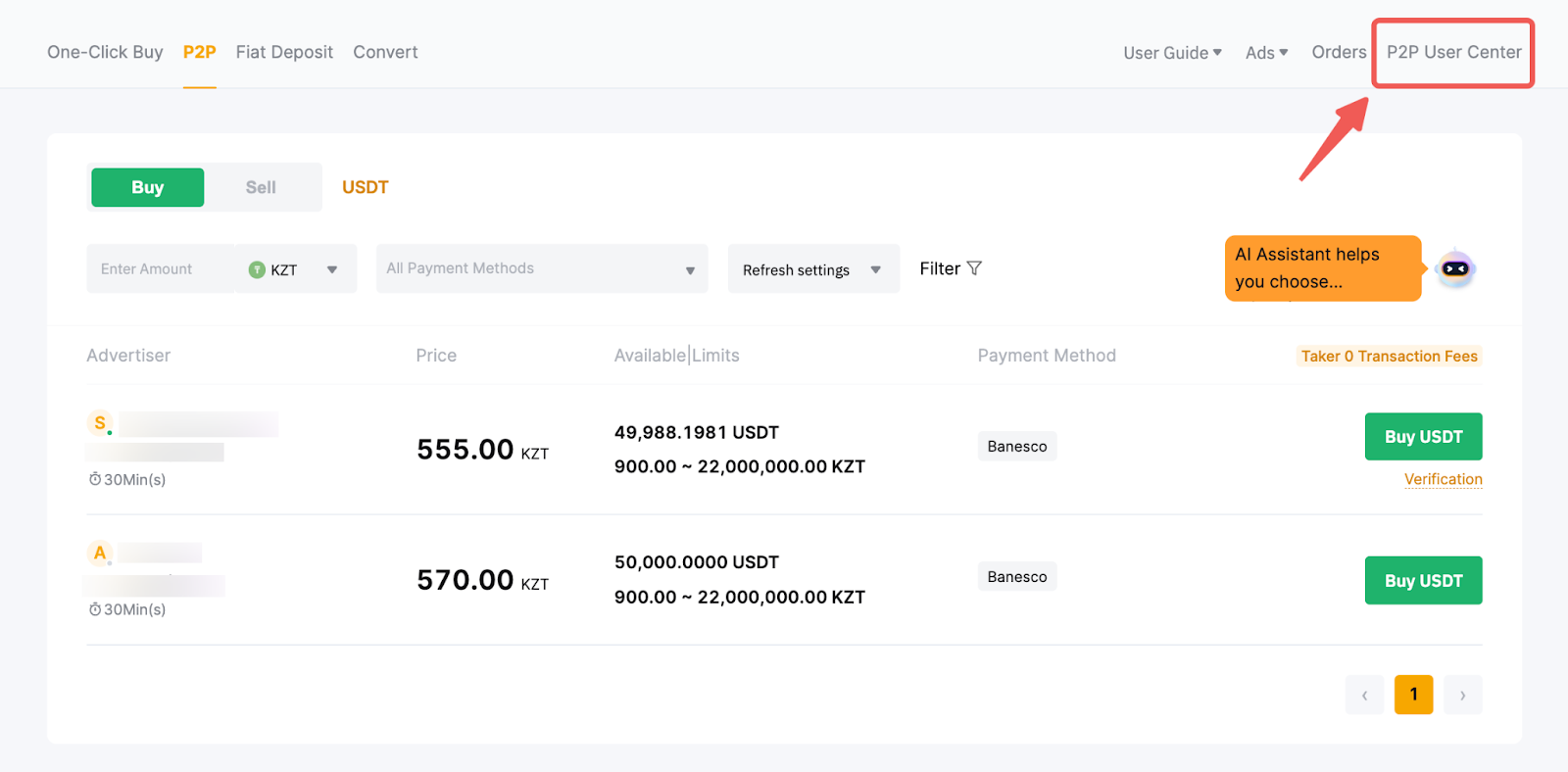
Step 2: Click on P2P User Center in the upper right corner to enter your profile.
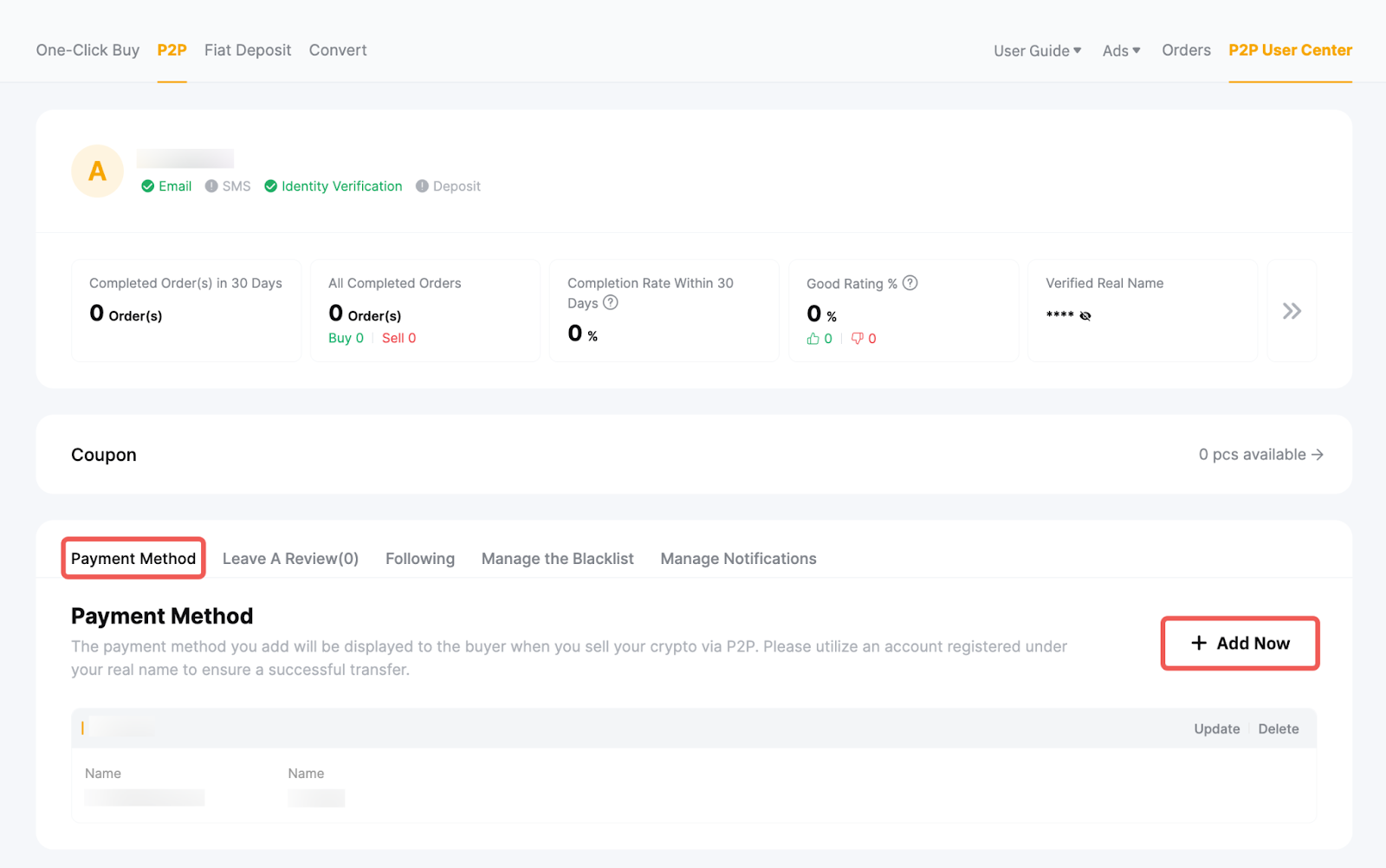
Step 3: Click on Add Now under Payment Method.
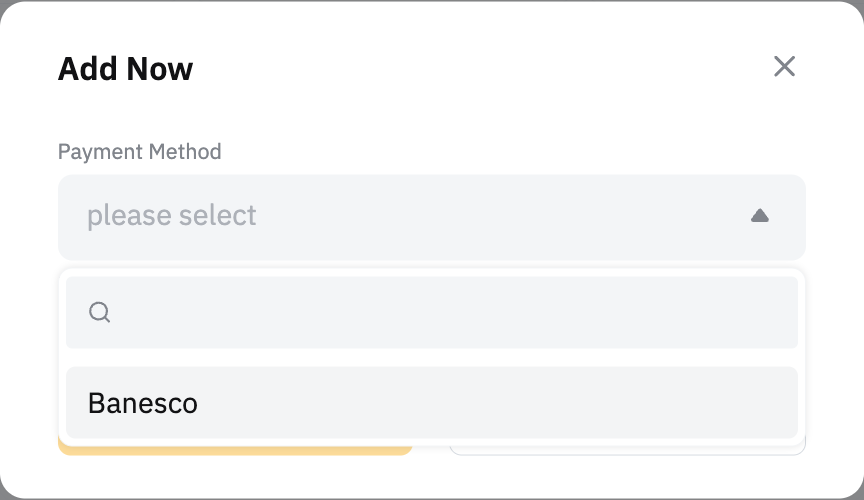
Step 4: Select your payment method in the pop-up window and enter the required information.
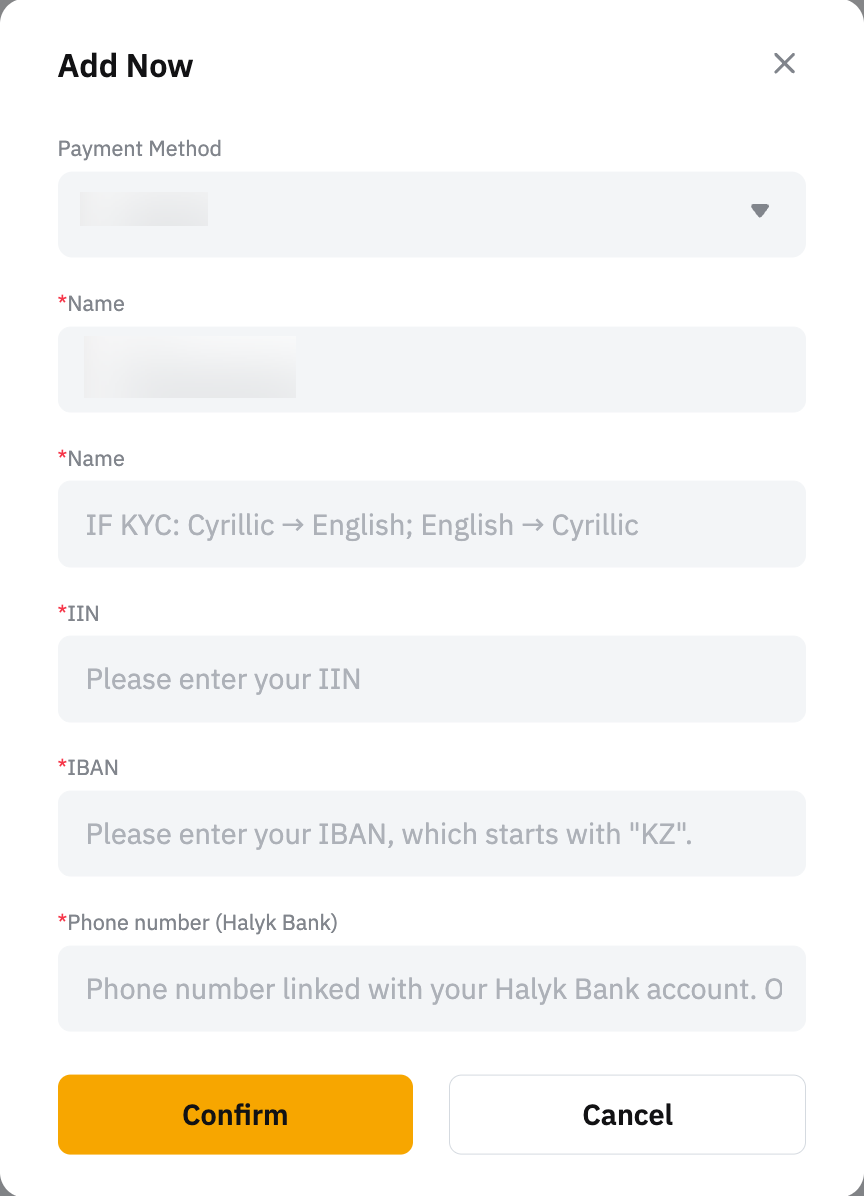
Step 5: Make sure the information you’ve provided is correct and click on Confirm.
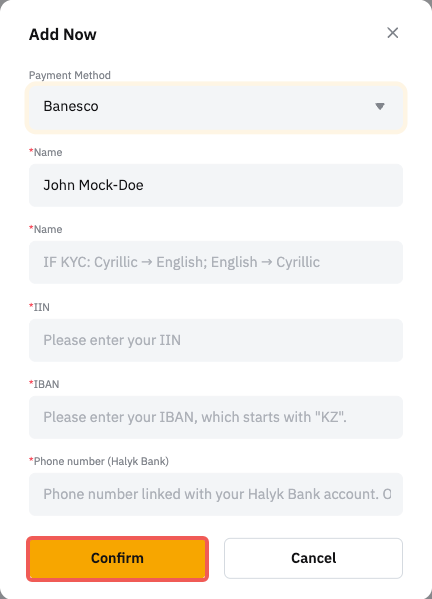
You’re all set!
Important Notes:
— The P2P system on Bybit Kazakhstan retrieves your name directly from your Identity Verification, and only accepts accounts matching the exact name. Manual changes are not allowed when adding a payment method. If your identity information is incorrect or has changed, please submit this form to request an update.
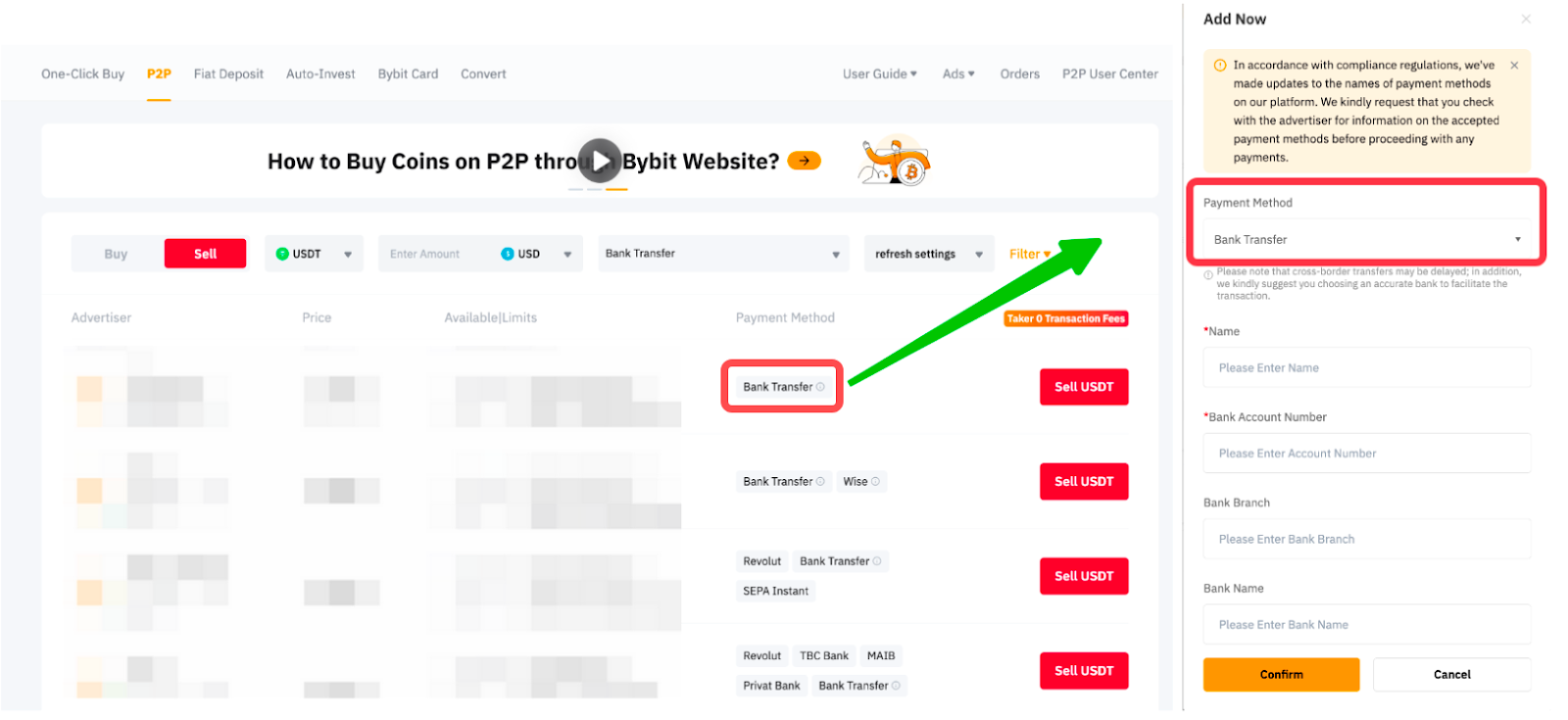
— When selling coins to an advertiser, it's essential to ensure that the payment method you're trying to add matches the exact payment method listed under the selected advertiser. For example, if an advertiser posts a Bank Transfer advertisement, please make sure to add the Bank Transfer payment method for a successful order placement.
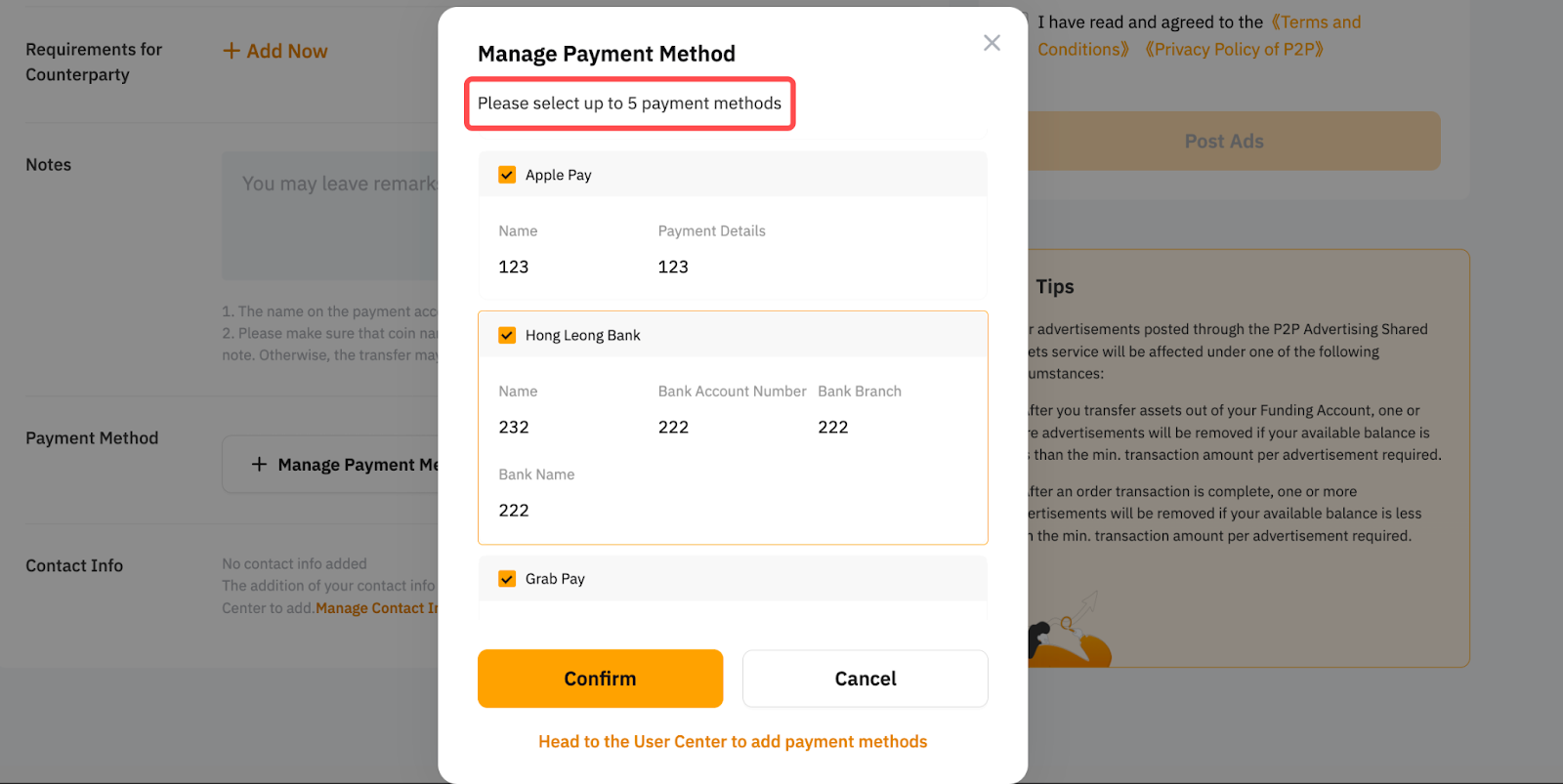
— Up to five (5) payment methods will be shown to the counterparty. You can set your preferred payment method to be displayed under Payment Method in the P2P User Center.
For more questions about payment methods, please refer to our FAQ — P2P Trading.