Checking your Bybit Kazakhstan App Version
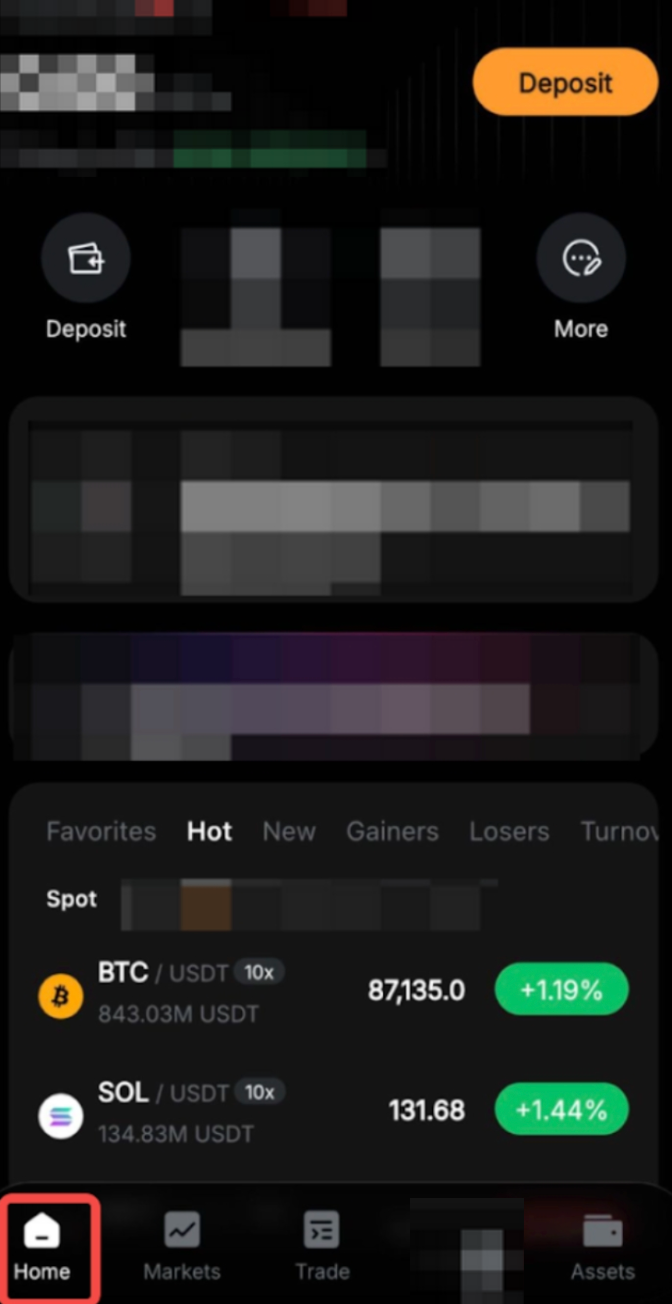
Step 1: Launch the Bybit Kazakhstan App. At the bottom left corner, select Home.
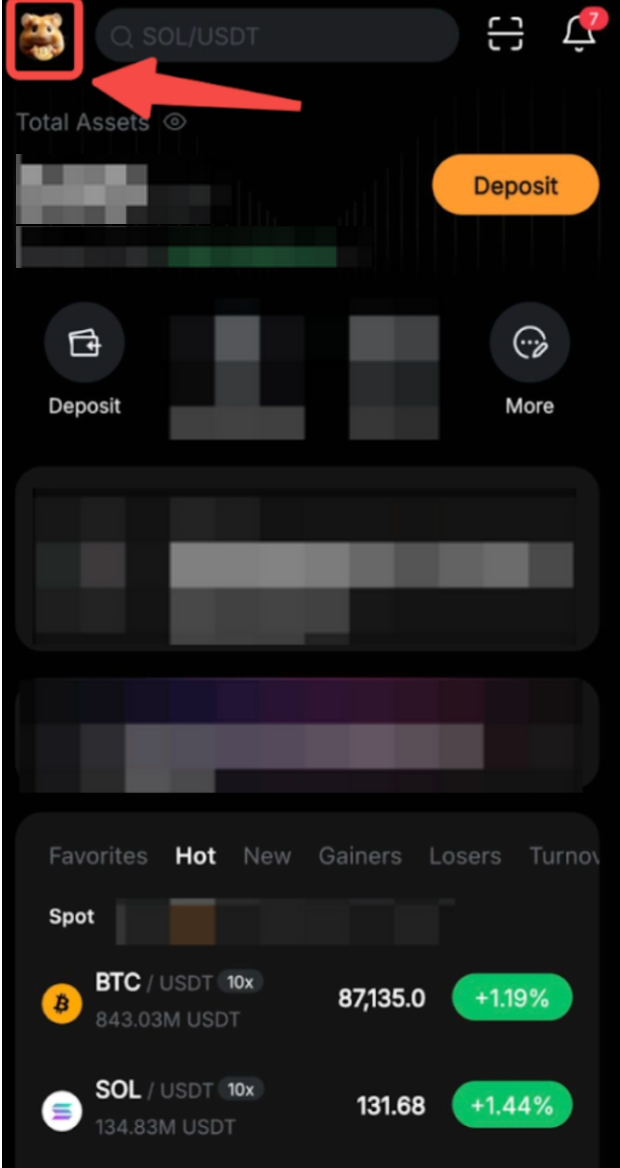
Step 2: Click the Setting Button (Profile Icon) on the top left corner of your screen.
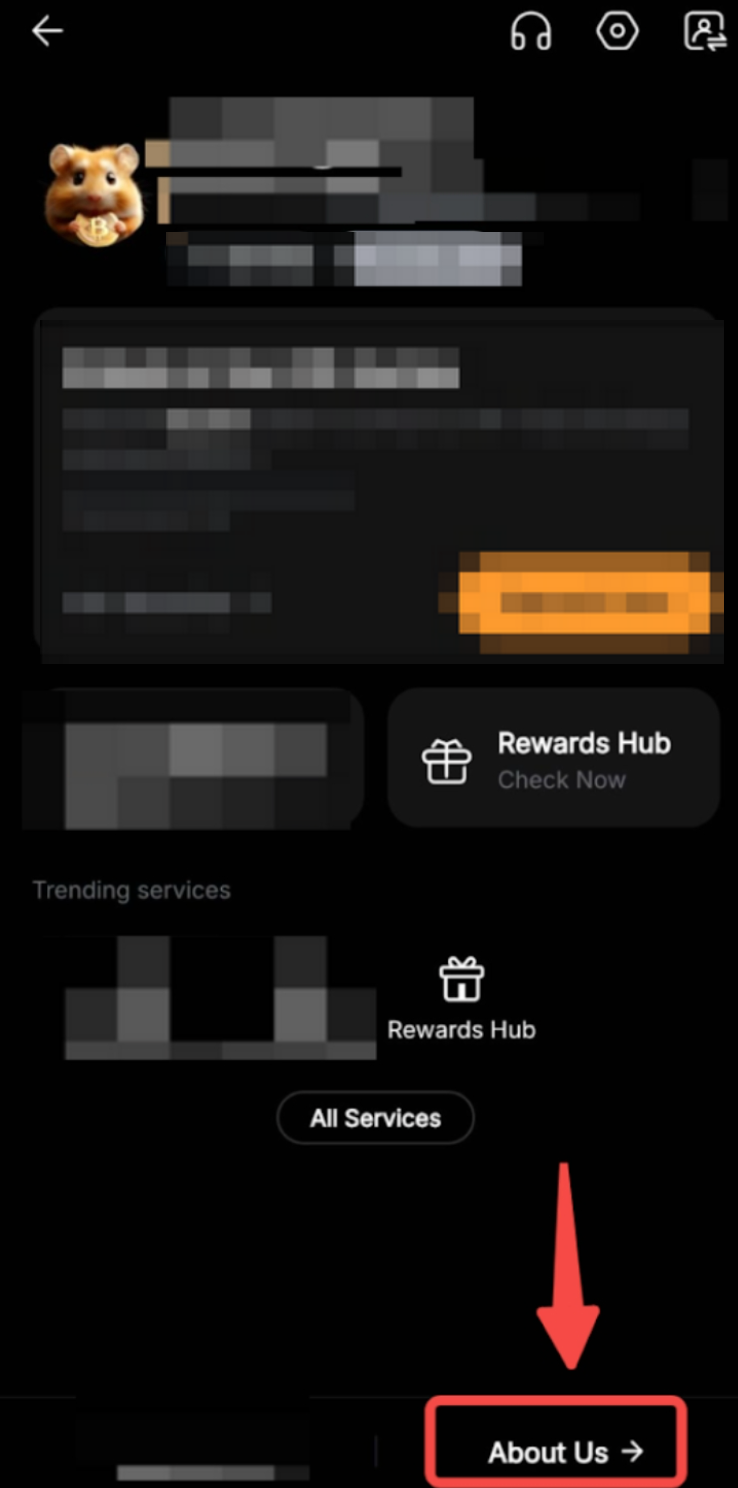
Step 3: Under My Settings, choose About Us.
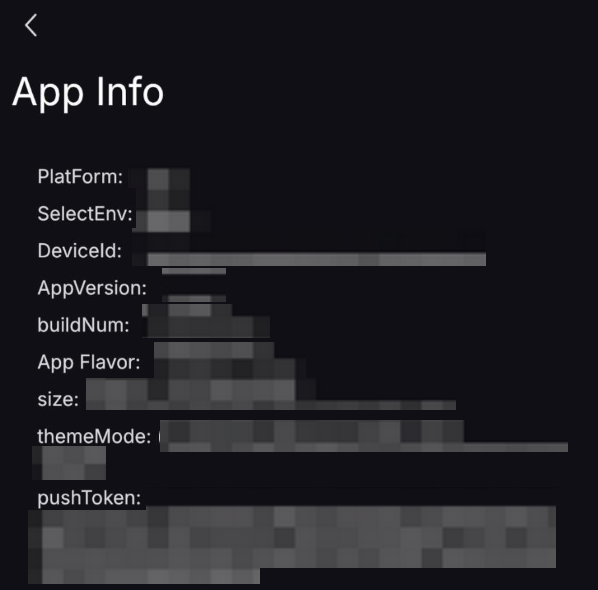
Step 4: In the About us screen, you can view your current App Version.
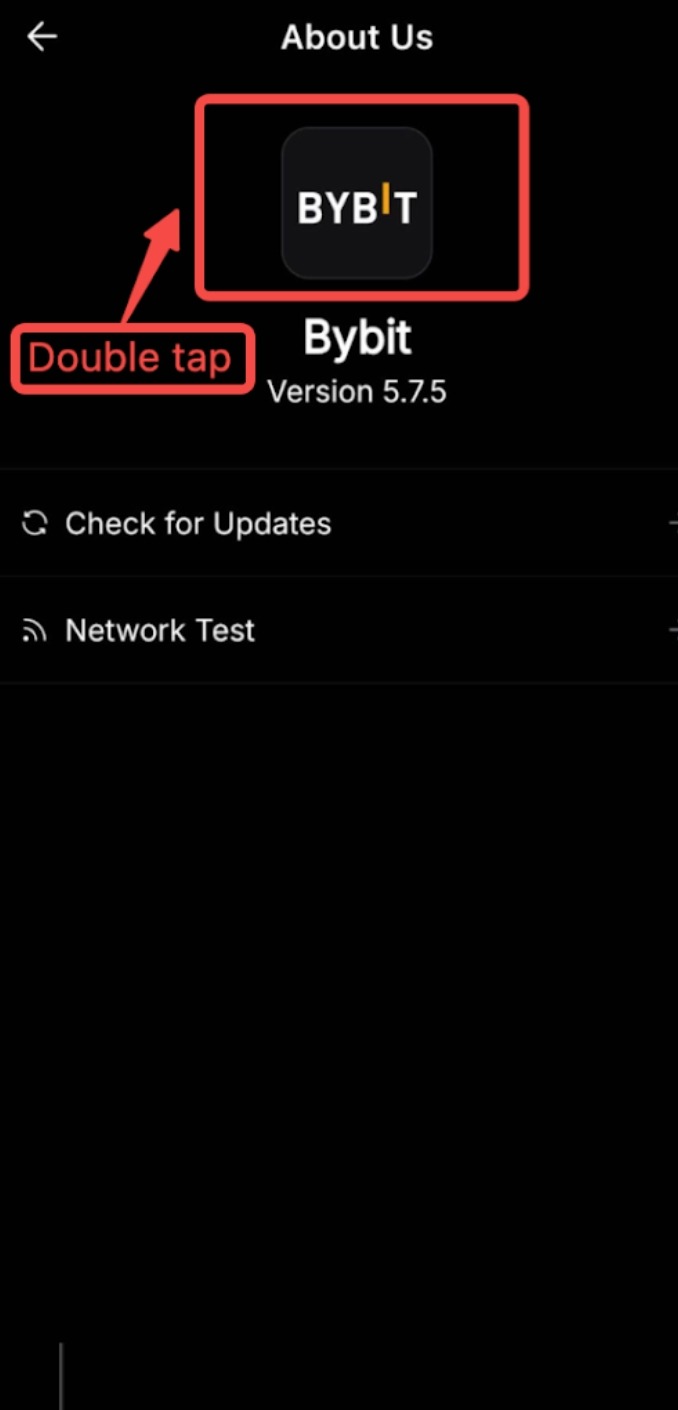
Step 5: To check more information about the App version, you can double-tap the Bybit Kazakhstan Logo and you should see more info about the App.